
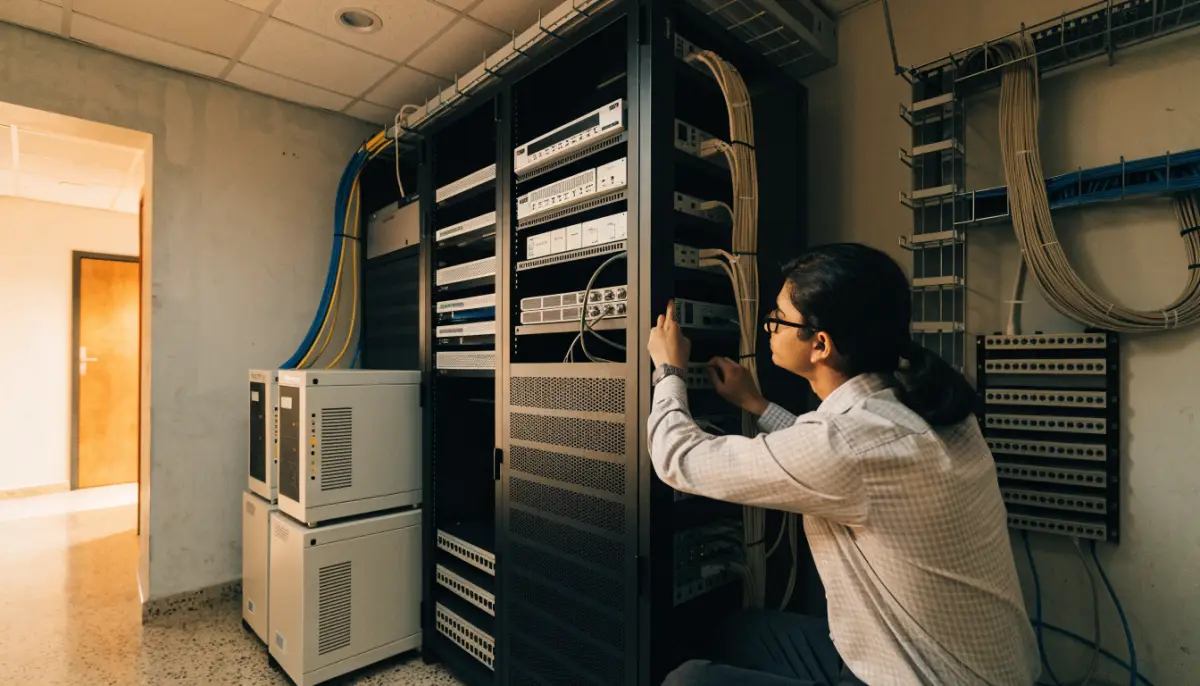
When the phone system stops, a hospital cannot take appointment calls, a factory cannot reach its dealers and a call centre goes silent. Most outages are not caused by the PBX itself. They come from a power cut, an internet or trunk failure, a disk problem or a bad configuration change. A sensible PBX backup and failover plan covers all of these. This guide explains the four layers to plan for: configuration backups, power, trunk failover and hardware recovery.
What can take your phone system down
| Failure | What happens | What protects you |
|---|---|---|
| Power cut | PBX, switches and PoE phones go off | UPS for PBX, network and PoE switches |
| Internet or SIP trunk outage | No external calls in or out | A second trunk from a different provider, set as failover |
| PRI line fault | Calls on that line fail | Backup SIP trunk, or a second PRI |
| Bad configuration change | Routes, IVR or extensions stop working | Recent configuration backup and a tested restore |
| Disk or hardware failure | PBX does not start | Off-site backup plus a standby appliance or server |
| Human error or deleted data | Missing extensions, recordings settings or IVR | Scheduled backups with enough history |
Layer 1: configuration backups
Rebuilding a PBX by hand means re-creating every extension, ring group, IVR, time condition, route and trunk. On a large system that can take days. A good backup routine has three parts:
- Scheduled backups: run automatically, daily for busy systems, and before every major change.
- Off-box storage: at least one copy must live somewhere other than the PBX itself, such as a file server, SFTP site or cloud storage.
- Tested restores: a backup you have never restored is a guess. Test it on a spare system once or twice a year.
On Voxdial IP PBX, Backup and Restore lets you build backup jobs that choose which parts of the system to include, run on a schedule (daily, weekly, monthly or a custom schedule), and save to one or more storage locations: local disk, FTP or FTPS, SFTP, Amazon S3, Dropbox or email. Each job can email you on success, failure or both, and retention settings keep only the last set number of backups or remove backups older than a chosen age, so storage does not fill up. Backup files can be downloaded and restored from the same page.
Two good habits: take a manual backup before any big change (a new IVR, a trunk change or a software update), and keep at least one copy outside the building.
Layer 2: power
Power is the most common cause of phone outages in Indian offices, and the simplest to fix.
- Put the PBX, core network switch, router and internet modem on a UPS.
- If you use PoE IP phones, the PoE switch must be on the UPS too, or every desk phone goes dark in a power cut.
- Size the UPS for the backup time you need, and connect it to the generator circuit if you have one.
- For analog phones on BitVoice VoIP gateways, keep the gateways on the same UPS as the PBX.
- Check UPS batteries during preventive maintenance. Old batteries often fail exactly when they are needed.
Layer 3: trunk failover
Your PBX can be perfectly healthy and still be cut off if the only trunk fails. Plan at least two paths for external calls.
Outgoing calls
In Voxdial, each outbound route has an ordered list of trunks. If the first trunk is down or full, the PBX tries the next one in the list. Each trunk also has a maximum channel setting and a Continue if Busy option, so when a trunk reaches its limit, calls move on to the next one instead of failing.
A typical setup for an Indian office:
- Primary SIP trunk from provider A.
- Second SIP trunk from provider B, or a PRI line, as backup.
Using two different providers, on two different internet links, protects you from a single carrier outage. See our guides to SIP trunks in India and moving from PRI to SIP.
Incoming calls
Incoming failover depends on your provider. Ask them:
- Can my main numbers be forwarded to a backup trunk or a mobile number automatically if my trunk is unreachable?
- Can I have DID numbers on both trunks?
- How quickly do you detect that my trunk is down?
Publish one main number and let the provider handle the fallback, rather than printing two numbers on your website.
Layer 4: hardware recovery
If the PBX hardware or server itself fails, you need a way to bring it back quickly:
- Standby appliance or server: a spare unit kept ready. If the main one fails, restore the latest backup onto the spare and move it into place.
- Virtual machine snapshot: if the PBX runs on a virtual server, regular snapshots plus configuration backups speed up recovery.
- Spares for the edge: keep spare IP phones and know which gateway ports serve critical analog phones.
- Documented steps: write down how to restore a backup, which IP addresses to use and who to call. The person on duty during an outage may not be your usual PBX administrator.
How fast you need to recover decides how much to spend. A small office may accept a few hours with calls forwarded to mobiles. A hospital emergency line or a contact centre may need a standby unit on site.
Monitor before it fails
Many outages give warning signs: a disk filling up, high CPU, a trunk that registers and drops, or a licence close to expiry. The Voxdial System Dashboard shows CPU, memory, uptime, storage and licence status in one place, and backup emails tell you when a job fails. Make a weekly check part of your routine or your PBX maintenance contract.
A simple PBX disaster recovery checklist
- Daily scheduled backup, stored off the PBX.
- Manual backup before every major change.
- Restore tested in the last six months.
- PBX, switches, router and gateways on UPS.
- Two trunks from different providers, in the outbound route order.
- Provider forwarding plan for incoming calls.
- Spare hardware or a clear plan to get it.
- Recovery steps written down and shared.
Want a review of your phone system’s backup and failover plan? Talk to BitVoice.
FAQs
How often should I back up my PBX?
Daily for most businesses, plus a manual backup before any major change. Keep several days of history and at least one copy outside the PBX.
What is trunk failover on a PBX?
It is an ordered list of trunks for outgoing calls. If the first trunk is down or busy, the PBX sends the call on the next trunk, such as a second SIP provider or a PRI line.
Do IP phones work during a power cut?
Only if the PoE switch, PBX and network equipment are on a UPS. Plan the UPS to cover every device in the call path.
What is the difference between backup and high availability?
A backup lets you rebuild the system after a failure, which takes some time. High availability uses a second live system that takes over automatically. Choose based on how long you can afford to be without phones.


