
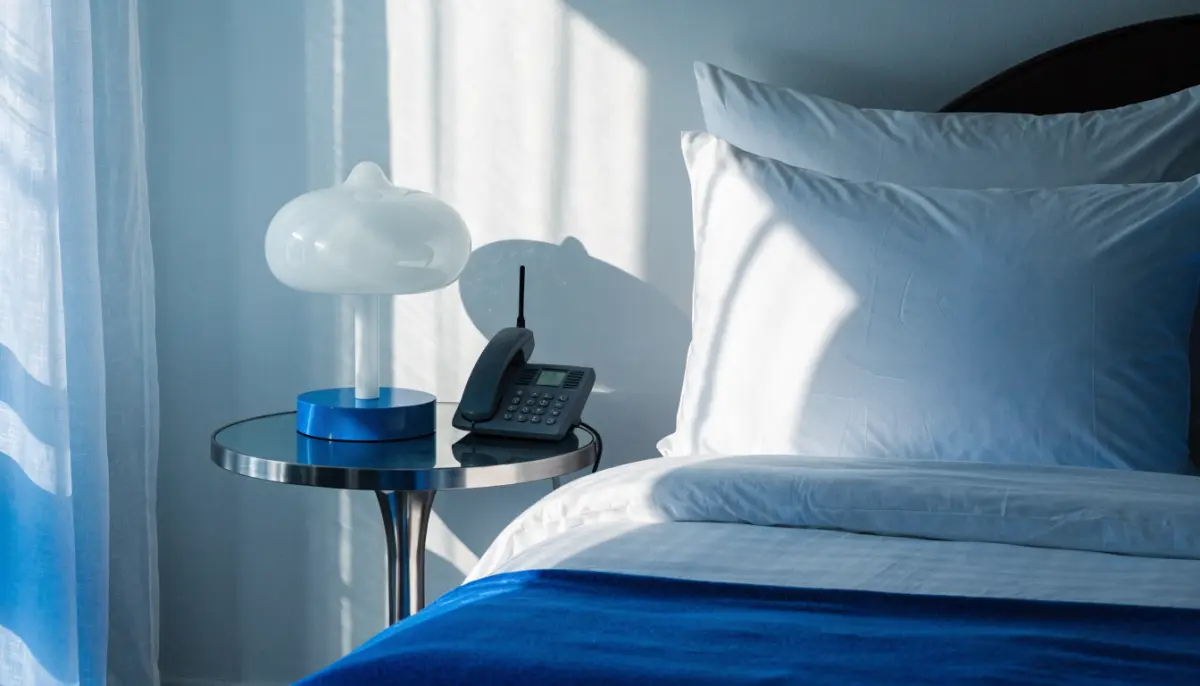
A hotel PBX system has a harder job than an office phone system. It has to ring a phone in every room, wake guests on time, stop a room phone from running up an international bill, and still let the front desk reach housekeeping, kitchen and security in seconds. This guide covers what a hotel phone system needs, how to keep the analog room phones you already have, and how to plan a move from an old EPABX for hotels to an IP PBX.
What a hotel phone system must do
Most hotels need the same core list, whether they have 20 rooms or 200:
- A phone in every room that can call reception, room service and other departments with one or two digits.
- Wake-up calls that guests or the front desk can set.
- Control over what each room phone can dial, so outside and long-distance calls are only allowed where the hotel wants them.
- A record of every call from every room, for checking and charging calls.
- A main number that greets callers and routes them to reservations, the front desk or a restaurant.
- Fast internal communication between staff areas, including announcements.
Keep your analog room phones
Rooms are usually wired with a single telephone pair to a simple analog phone. Replacing every handset and rewiring every room is the most expensive part of a phone system upgrade, and it is rarely needed.
An analog VoIP gateway connects those room phones to an IP PBX. Each FXS port on the gateway becomes one room extension, and the existing cable from the room carries on working. The BitVoice BVS1000 gateway comes in 16, 24 and 32 port versions, supports analog runs of up to 3 km on 24 AWG cable for spread-out properties, and is TEC certified. For a larger hotel, place one gateway per floor or block near the existing wiring cabinets. The full method is in using analog phones with an IP PBX.
Use IP phones where staff need more: the front desk, the duty manager’s desk, the restaurant cashier and the back office. A mix of analog room phones and IP desk phones on one PBX is normal.
Wake-up calls
Voxdial IP PBX includes a wake-up call feature that is used with a dial code from the phone. Like every feature code on Voxdial, the operator can switch it on or off and change the code to suit the hotel’s dial plan. Print the code on the room’s dialling card along with the codes for reception and room service.
Control what each room can dial
Uncontrolled outside calls from rooms lead to disputed bills and lost money. Voxdial handles this with Class of Service (COS) rules:
| Phone | Typical COS rule |
|---|---|
| Guest rooms | Internal calls and local numbers only, or no outside calls |
| Front desk | Local, national and mobile numbers |
| Duty manager and accounts | National and international |
| Lobby and corridor phones | Internal calls to reception and security only |
COS rules are built once as templates, such as “Local only” or “International”, and attached to each extension. Internal call restrictions add a second layer inside the hotel: for example, guest rooms can be stopped from dialling the general manager’s extension directly while still reaching reception. For a wider guide, see controlling your office phone bill with call restrictions.
Call records for every room
Every call made from a room extension is logged with the number dialled, the time and the duration. The front desk can check call records before a guest checks out, and accounts can review calls by extension or by date. Read call accounting and CDR reports for what to look for in these reports.
Handling incoming calls
The hotel’s main number should never ring out. Typical set-up on Voxdial IP PBX:
- IVR greets callers and offers reservations, the front desk or the restaurant. See IVR call flow design.
- Time conditions send calls to a different greeting or the night desk after hours.
- Ring groups ring several front-desk phones at once, so whoever is free answers.
- Voicemail takes a message when a department is closed, and can send it by email.
- Speed dial gives short codes for numbers staff call often, such as the hotel’s taxi or laundry vendor.
Staff communication and announcements
Housekeeping, kitchen, security and maintenance need to reach each other quickly. Extensions in each area, call pickup within a department and paging groups for back-of-house announcements cover this. Paging and scheduled announcements, such as shift-change chimes, are explained in IP paging and PA systems.
Moving from an old hotel EPABX
- List every room and staff phone, and mark which are analog and which need an IP phone.
- Count gateway ports per floor, with 10 to 20 percent spare.
- Decide room numbering so that extension numbers match room numbers.
- Set COS rules and wake-up codes before guests use the new system.
- Move outside lines to SIP trunks or keep them on a gateway. See SIP trunks in India.
- Cut over one floor at a time, during low occupancy.
Planning a phone system for a new or existing hotel? Talk to BitVoice for a site survey and a gateway and extension plan.
FAQs
Can a hotel keep its existing analog room phones with an IP PBX?
Yes. An analog VoIP gateway connects each room phone to the IP PBX as an extension, using the existing room wiring.
Does Voxdial IP PBX support wake-up calls?
Yes. Voxdial includes a wake-up call feature code, which the operator can enable and customise.
How do I stop guests making international calls from room phones?
Assign a Class of Service rule to room extensions that allows only internal and local calls, or no outside calls at all.
Is the BitVoice gateway TEC certified?
Yes. BitVoice analog gateways with 8, 16, 24 and 32 ports are TEC certified under MTCTE.


