Many hospitals, banks, government offices and manufacturers still send and receive fax every day. When they move to an IP PBX, fax is often the first thing that breaks. The reason is simple: fax was designed for clean analog lines, and a voice network is built for speech. This guide explains why fax over IP fails, how T.38 fixes it, and how to set it up.
Why fax fails over VoIP
A fax machine sends data as tones. Voice codecs such as G.729 compress audio by keeping only what the human ear needs, which destroys fax tones. Even with G.711, which does not compress, small problems that nobody notices in a call break a fax:
- Packet loss: one lost packet can corrupt a page or end the session.
- Jitter: packets arriving unevenly upset the fax timing.
- Echo cancellation and silence suppression: helpful for voice, harmful for fax tones.
The result is pages that fail halfway, faxes that never connect, or slow retries.
Two ways to send fax over IP
| Method | How it works | When to use |
|---|---|---|
| G.711 pass-through | The fax tones travel as uncompressed audio | Short, clean LAN paths with very little packet loss |
| T.38 relay | The gateway decodes the fax into data packets, sends them with redundancy, and rebuilds the tones at the other end | Most real networks, and anything going over the internet or a SIP trunk |
T.38 is the standard for fax over IP. Because the gateway sends fax data instead of audio, and repeats packets for safety, it survives the packet loss and jitter that break pass-through.
What you need for reliable fax
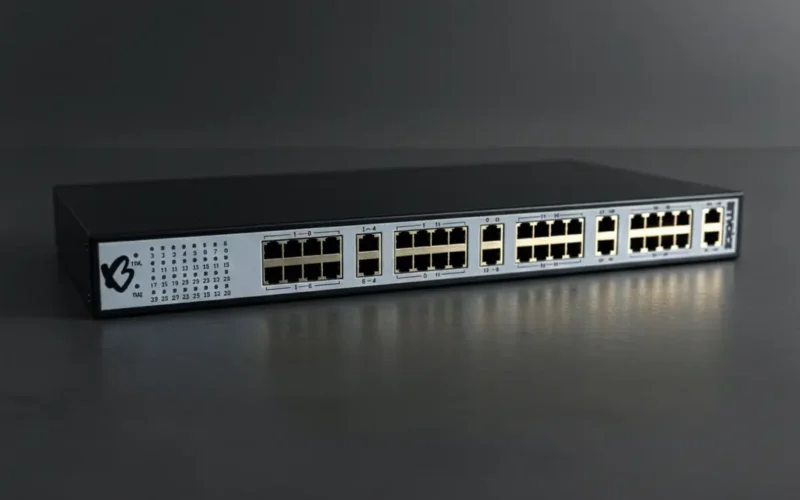
- A gateway with T.38. The fax machine plugs into an FXS port on an analog gateway. The BitVoice BVS1000 supports both T.38 and pass-through fax, plus modem and POS terminals.
- T.38 end to end. Your IP PBX and SIP trunk provider must also support T.38. If any hop does not, the call falls back to pass-through.
- Echo cancellation and silence suppression off for fax ports when using pass-through.
- A dedicated extension for each fax machine, so you can route fax numbers straight to it.
Setting up a fax machine on an IP PBX
- Plug the fax machine into a gateway FXS port and map the port to an extension in the Voxdial IP PBX.
- Route the fax DID number from your trunk to that extension, without an IVR in front.
- Enable T.38 on the gateway port, and confirm your SIP trunk provider supports it.
- Send test faxes of several pages, both inbound and outbound, before going live.
Troubleshooting checklist
- Fax fails after the first page: usually packet loss or a T.38 mismatch. Check that both ends agree on T.38.
- Fax never connects: check that the call reaches the right extension and is not answered by voicemail or an IVR.
- Works inside, fails outside: your trunk provider may not support T.38. Ask them, or test with pass-through.
- Lower the fax speed on the machine (for example to 9600 bps) if errors continue.
Should you keep fax at all?
Where partners and regulators still use fax, keeping a few fax machines on gateway ports is the cheapest option. Where fax is only internal, scanning to email or a document system may be simpler. A gateway lets you keep both while you decide.
Need help keeping fax working on your new phone system? Contact BitVoice.
FAQs
Can I use a fax machine with VoIP?
Yes. Connect it to an FXS port on an analog VoIP gateway, and use T.38 fax relay for reliable transmission.
What is T.38?
T.38 is the standard for sending fax over IP networks. The gateway sends fax data as packets with redundancy instead of sending fax tones as audio.
Why does my fax fail on VoIP?
Usually because the fax tones are compressed by a voice codec, or damaged by packet loss and jitter. T.38 relay fixes most of these problems.
Does the SIP trunk need to support T.38?
Yes, for faxes to and from outside numbers. If the trunk does not support T.38, the call falls back to pass-through, which is less reliable.