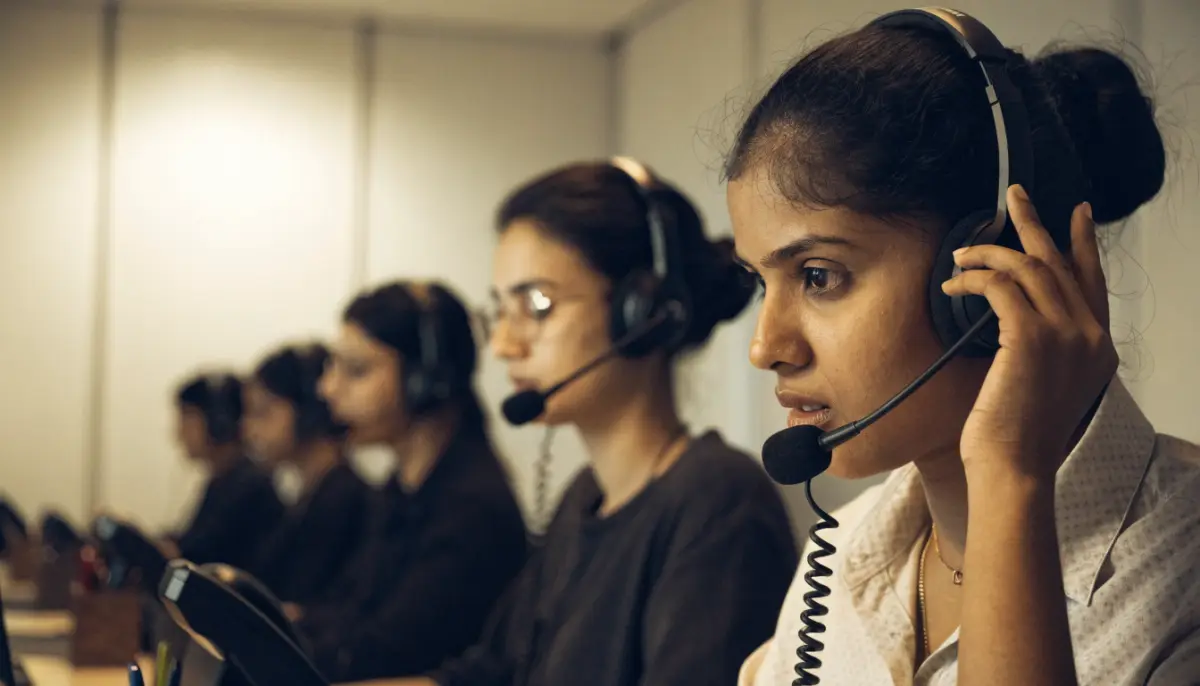
Agents spend six to eight hours a day with a headset on. A good one makes calls clear, protects their hearing and keeps them comfortable; a poor one causes “can you repeat that?”, tired ears and repeat calls. This guide explains how to choose call centre headsets: wired or wireless, USB or 3.5 mm, mono or stereo, and which features actually matter for Indian offices and home agents. It is a buying guide, not a brand ranking, so you can compare any models your vendor offers.
Why the headset matters more than it looks
Call quality depends on the whole chain: the network, the codec, the phone system and the headset. The headset is the last link, and often the weakest. A cheap microphone picks up the fan, the next agent and the traffic outside. A loose ear cushion lets the customer’s voice get lost in the room. Both make calls longer and customers less patient.
For the network side, see our guides on VoIP call quality for remote agents and VoIP QoS and voice VLAN.
Connection type
| Connection | Works with | Good for | Watch out for |
|---|---|---|---|
| USB (USB-A or USB-C) | PCs and laptops running a softphone or agent app | Contact centre agents on a computer | Needs a free port; driver-free on most systems |
| 3.5 mm jack | Laptops, mobiles | Occasional use, mobile agents | Audio quality depends on the laptop’s sound card |
| RJ9 or QD cable | Desk IP phones with a headset port | Reception, back office on desk phones | Check the phone model’s wiring and pinout |
| Bluetooth or DECT wireless | PC dongle or desk phone base | Supervisors and staff who walk around | Charging, range and battery life |
Most contact centre agents now work on a computer. The Voxdial Contact Center agent console is a desktop app with a built-in softphone, so a USB headset is usually the simplest choice. For staff on desk phones, check that the phone has a headset port; our guide on how to choose an IP phone covers this.
Mono or stereo?
- Mono (one ear) lets agents hear the room, a supervisor or a colleague. Common in busy contact centres and receptions.
- Stereo (both ears) blocks more noise and helps concentration. Better for noisy floors, long calls and home agents with family noise around.
Many teams choose stereo for agents and mono for supervisors and team leads who need to stay aware of the floor.
Features that matter
- Noise-cancelling microphone. This is the most important feature. It reduces background noise the customer hears. Look for a boom microphone that sits close to the mouth.
- Comfort for long shifts. Soft, replaceable ear cushions, a light headband and an adjustable boom. Leatherette cushions are easy to clean; foam is cooler in Indian summers.
- Wideband (HD) audio. A headset that supports wideband audio, together with a wideband codec such as G.722 on the phone system, makes voices clearer. See VoIP codecs explained.
- Inline controls. Mute, volume and answer buttons on the cable or ear cup save agents from hunting on screen.
- Hearing protection. Some business headsets limit sudden loud sounds. Useful for agents on long shifts.
- Durability. Reinforced cables, a strong boom and spare cushions available locally. Ask your vendor about warranty and replacement time.
Wired or wireless?
Wired USB headsets are cheaper, need no charging and rarely fail. They suit agents who stay at their desks. Wireless headsets suit supervisors, reception staff and anyone who walks to fetch files during a call. If you choose wireless, check the battery lasts a full shift, and keep spare charged units for busy days.
Headsets for work-from-home agents
Home agents face more noise: traffic, pressure cookers, children, fans. For them:
- Choose stereo with a strong noise-cancelling microphone.
- Prefer a wired USB headset; it avoids Bluetooth pairing issues on personal laptops.
- Test each agent’s setup before the first live shift, using a test call to a supervisor.
Our guide to the work from home call centre softphone covers the rest of the home setup. In Voxdial, the agent console also includes a call-quality monitor showing jitter, packet loss and round-trip time, which helps separate a headset problem from a network problem.
Hygiene and care
- Give each agent their own headset, or at least their own ear cushions.
- Clean cushions and microphones regularly with a mild wipe.
- Replace cushions every few months, or sooner on shared shifts.
- Store headsets on a hook or stand, not dropped in a drawer where the boom bends.
A simple buying checklist
| Question | Why it matters |
|---|---|
| Does it connect to our agent app or desk phone without adapters? | Avoids setup problems on day one |
| Is the microphone noise-cancelling with a close boom? | Customers hear the agent, not the room |
| Is it comfortable for a full shift? | Tired agents give shorter, poorer answers |
| Mono or stereo for this role? | Balance awareness and focus |
| Are spares and service available locally? | Broken headsets mean idle agents |
| Did agents test it on real calls? | Specs do not show comfort or real noise |
Run a short pilot: give two or three models to a few agents for a week, listen to recorded calls and ask agents which they prefer.
Setting up a new contact centre or moving agents home? Talk to BitVoice about the phone system and agent console.
FAQs
Which headset is best for a call centre?
A comfortable USB headset with a noise-cancelling boom microphone suits most agents on a computer. Choose stereo for noisy rooms and home agents, mono for supervisors.
USB or 3.5 mm headset for call centre agents?
USB is usually better. It gives consistent audio that does not depend on the laptop’s sound card and works directly with softphone and agent apps.
Are wireless headsets good for call centres?
They suit supervisors and staff who move around. For agents at desks, wired USB headsets are cheaper and need no charging.
Does BitVoice sell headsets?
No. BitVoice provides the phone system, agent console, IP phones and gateways. Any standard USB or compatible headset can be used with them.