Good structured cabling for IP phones is the part of a phone system nobody notices until it goes wrong. A loose patch cord, an overloaded PoE switch or a 120 metre cable run can cause dropped calls, phones that reboot at random and choppy audio that no PBX setting will fix. Whether you are wiring a new office or moving an old EPABX to IP, this guide covers cable choice, PoE power budgets, the patch panel and rack, and how to keep existing analog phones working with VoIP gateways.
Plan the outlets first
Start with a floor plan and mark every place that needs a phone or network point:
- Desks: one network point per desk is the minimum. Two is better, so a PC and a phone can each have their own cable if needed.
- Reception and operator desks: phones with sidecars or a console, plus a printer.
- Meeting rooms: a conference phone and room equipment.
- Common areas: wall phones in corridors, lifts, the factory floor, the gate.
- Paging and intercom points: speakers, door phones and alert devices.
- Future seats: add 15 to 20% spare points now. Pulling cable later costs far more.
Most IP phones have a built-in PC port, so one cable can serve both the phone and the computer. That saves cable, but it puts the PC behind the phone. For busy contact centre desks, a separate cable per device is easier to manage.
Cable choice: Cat6 is the safe default
| Cable | Good for | Notes |
|---|---|---|
| Cat5e | Phones and 1 Gbps PCs | Fine for voice, little headroom |
| Cat6 | Phones, 1 Gbps PCs, most new offices | The usual choice for new cabling |
| Cat6A | 10 Gbps, Wi-Fi access points, long life | Thicker and costlier, for backbones and AP runs |
| Fibre | Links between floors, buildings or racks | For backbone, not to desks |
Voice itself needs very little bandwidth, under 100 kbps per call. The cable choice is really about the PCs, Wi-Fi access points and PoE power that share the same network. Cat6 with solid copper conductors is the safe default for new offices.
Keep each horizontal run within 100 metres from switch to device, including patch cords. Longer runs need a switch closer to the users or a fibre link.
Power over Ethernet and your PoE budget
PoE lets the switch power the phone through the network cable, so desks need no power adapters and phones stay up on the UPS that feeds the switch. See PoE IP phones for the basics.
Plan the power budget of each PoE switch:
- List every powered device on the switch: phones, conference phones, Wi-Fi access points, cameras, door phones.
- Note each device’s power class or rated draw from its datasheet. Basic desk phones draw only a few watts; colour screen phones, sidecars and video phones draw more.
- Add them up and keep at least 20 to 30% headroom below the switch’s total PoE budget.
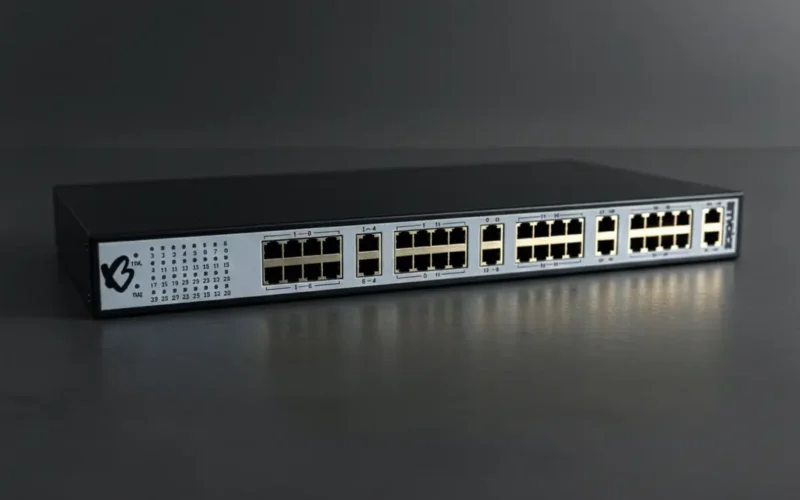
A 24-port switch with a small PoE budget can run out of power long before it runs out of ports. When that happens, the last phones to boot get no power, or phones reboot when the load peaks. Buy switches with enough budget for every port you plan to power.
The rack and patch panel
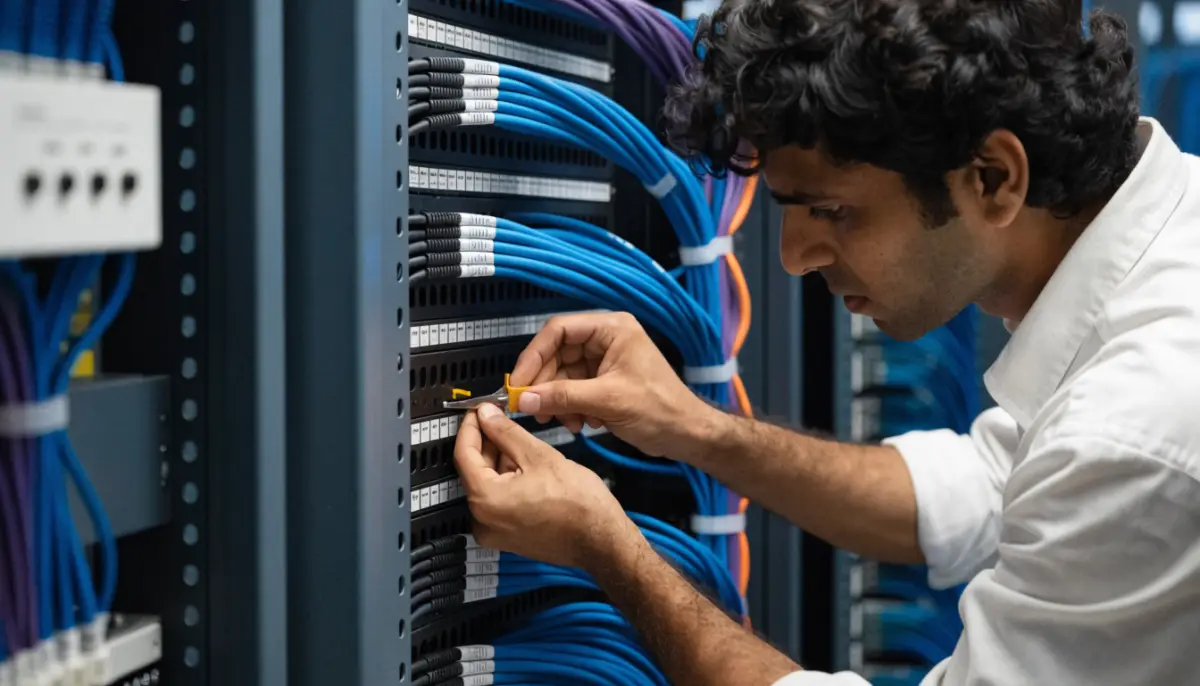
- Patch panel: terminate every cable on a labelled patch panel, never straight into the switch.
- Labels at both ends: the same ID on the wall outlet and the panel port, recorded in a simple sheet with the desk or room.
- Colour-coded patch cords: for example, one colour for phones, another for PCs, another for uplinks. It speeds up every later change.
- Cable management: horizontal managers between panel and switch, no tight bends, no cables hanging on ports.
- UPS for the rack: the PBX, PoE switches and router on a UPS sized for the outage time you need. Read PBX backup and failover for power planning.
Keep analog phones with VoIP gateways
Many offices, hotels, hospitals and factories have hundreds of analog phones on old twisted-pair wiring, often in places where new network cable is hard to run. You do not have to replace them all.
A VoIP gateway with FXS ports connects analog phones to the IP PBX over the existing copper. The phone’s line runs from the old frame or junction box to a gateway port, and the gateway connects to the network. BitVoice VoIP gateways come in 8, 16, 24 and 32 port models, are TEC certified, and are auto provisioned by Voxdial IP PBX, so each port appears as a normal extension. The guides on FXS vs FXO and analog phones on an IP PBX explain the details.
Practical tips for the analog side:
- Test old pairs for continuity and noise before you reuse them.
- Place gateways near the old frame so existing cables reach them without new runs.
- Label each gateway port with the room or extension it feeds.
Separate voice on the network
Cabling alone does not guarantee clear calls. Put phones on a voice VLAN and mark voice traffic for priority, so a large file download does not break up calls. The VoIP QoS and voice VLAN guide covers the switch settings.
Before you sign off the job
| Check | Why it matters |
|---|---|
| Every cable tested and certified | Finds bad terminations before users do |
| Labels match the drawings | Saves hours on every future move |
| PoE budget calculated with headroom | Stops random reboots |
| UPS runtime tested | Phones stay up in a power cut |
| Test calls from every area | Confirms audio, not just link lights |
Use our PBX installation checklist for the rest of the rollout.
Planning a new office or an EPABX upgrade? Talk to BitVoice and we will help plan the phones, gateways and network together.
FAQs
Is Cat5e enough for IP phones?
Yes for voice, since a call needs under 100 kbps. Cat6 is the better choice for new cabling because the same cable also serves PCs and PoE devices.
What is the maximum cable length for an IP phone?
100 metres from the switch to the device, including patch cords. For longer distances, add a switch closer to the users or use fibre.
How do I calculate a PoE budget?
Add the rated power draw of every powered device on the switch from their datasheets, then keep 20 to 30% headroom below the switch’s total PoE budget.
Can I keep my old analog phones and wiring?
Yes. Connect them to FXS ports on a VoIP gateway near the old frame, and they work as normal extensions on the IP PBX.