An IP phone is the part of your phone system people touch every day, so the wrong choice shows up as complaints about sound, missing buttons or messy cables. This checklist covers what matters when you choose IP phones for an office, hospital, hotel or school in India, and what you can safely ignore.
Start with who will use the phone
| User | What they need |
|---|---|
| Most staff | Two lines, clear sound, transfer and conference, a small display |
| Reception and operators | Many line or BLF keys, a headset, an expansion module or an operator console |
| Managers | HD voice, conference, a larger display |
| Rooms, wards, corridors | A simple, robust phone; often an analog phone on a gateway is enough |
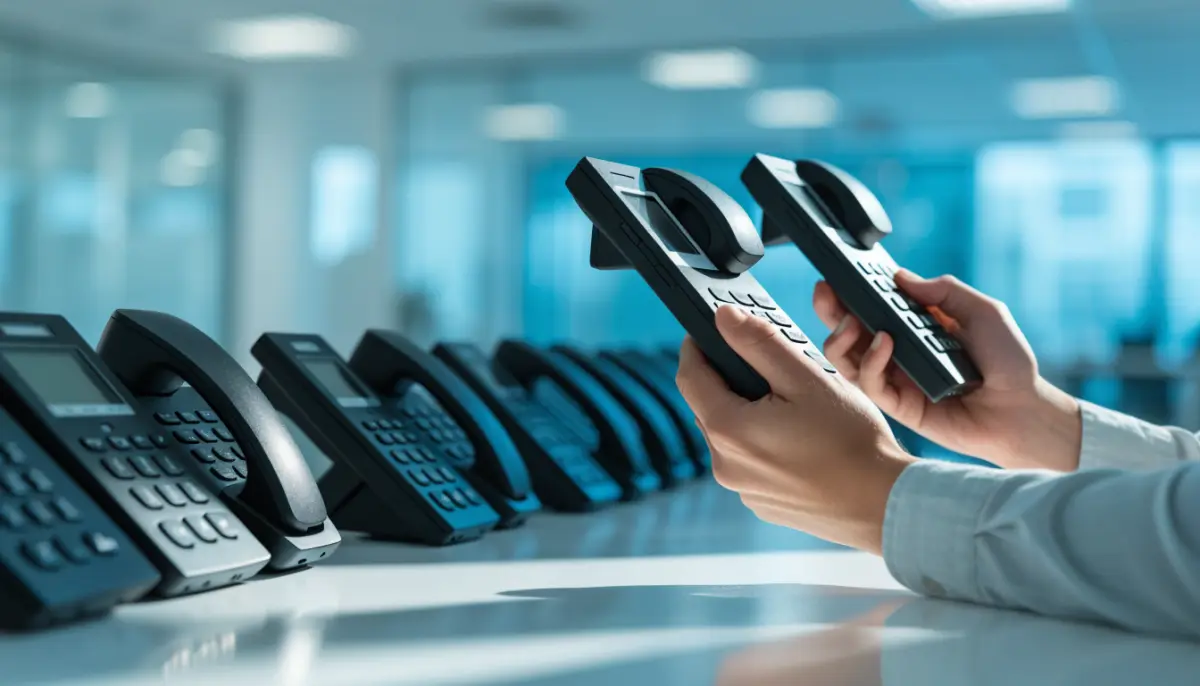
Buy for the role, not the most expensive model for everyone. An entry-level IP phone suits most desks.
The checklist
1. Standard SIP
Choose phones that use standard SIP, so they work with your IP PBX today and with another system later. The BitVoice B301 works with the Voxdial IP PBX and other SIP phone systems.
2. Number of SIP lines
A SIP line is an account on the phone. Two lines are enough for most users, for example one office extension and one backup server or a second extension.
3. HD voice
Look for G.722 and, ideally, Opus. HD voice makes speech clearer, which matters in noisy offices and on long calls. Make sure your IP PBX supports the same codecs.
4. Power over Ethernet
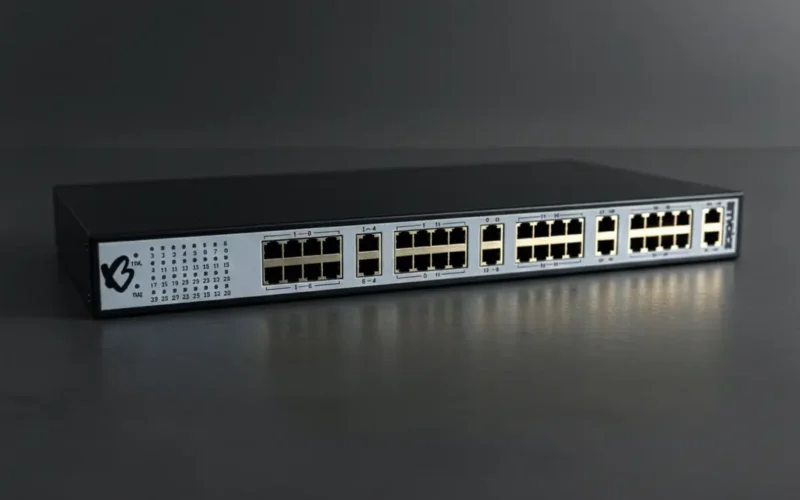
A PoE phone takes power from the network switch, so there is no adapter at the desk and phones stay up on the switch’s UPS during power cuts. See PoE for IP phones.
5. Two Ethernet ports
A phone with two ports lets the PC plug into the phone, so one cable to the desk serves both. Gigabit ports matter only if the PC needs gigabit; 10/100 is fine for most desks.
6. Headset support
Agents and receptionists need an RJ9 or EHS headset port, so they can answer calls from a wireless headset.
7. Security
TLS for signalling, SRTP for voice, HTTPS for the web interface, and 802.1X for network access. These are now standard and should be switched on.
8. Auto provisioning
With dozens of phones, typing settings into each one is slow and error-prone. Phones that support auto provisioning get their settings from the PBX. Read IP phone auto provisioning.
9. Support and supply
Check who will replace a faulty phone, how fast, and whether the same model will still be available next year when you add staff.
What to ignore
- Large colour screens for users who only make and take calls.
- Video on every desk; most video calls now happen on laptops.
- Feature lists you will never switch on.
A note on analog phones
Not every phone has to be an IP phone. Rooms that only need basic calling can keep analog phones on an analog VoIP gateway. Compare both in IP phone vs analog phone.
BitVoice makes the B301 IP phone and supplies phones with every Voxdial IP PBX. Ask for a quote.
FAQs
What is the difference between an IP phone and a SIP phone?
They are usually the same thing. Most IP phones use SIP, the standard protocol for VoIP calls, to register with an IP PBX.
How many SIP lines does an office IP phone need?
Two lines are enough for most users. Receptionists and operators may need more line keys or an operator console.
Do I need PoE IP phones?
Not always, but PoE removes the power adapter at each desk and lets phones run on the network switch’s UPS during power cuts.
Will any IP phone work with my PBX?
A phone that uses standard SIP will work with most SIP-based IP PBX systems. Auto provisioning support varies by phone model.